
Sadhana Vidyabhavan1.2 - Google Play
You'll be able to see results in few seconds.
Publisher Description
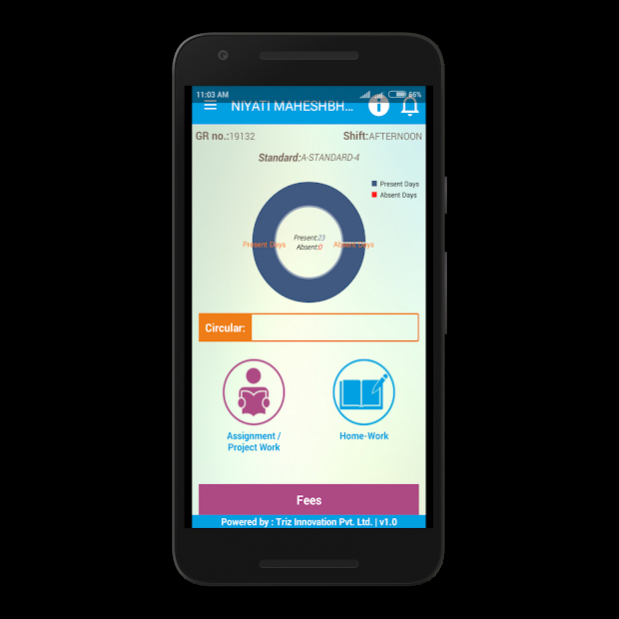
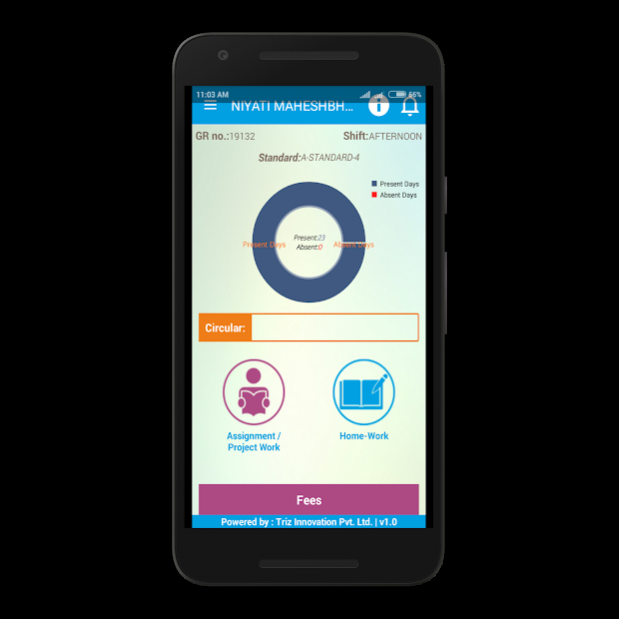
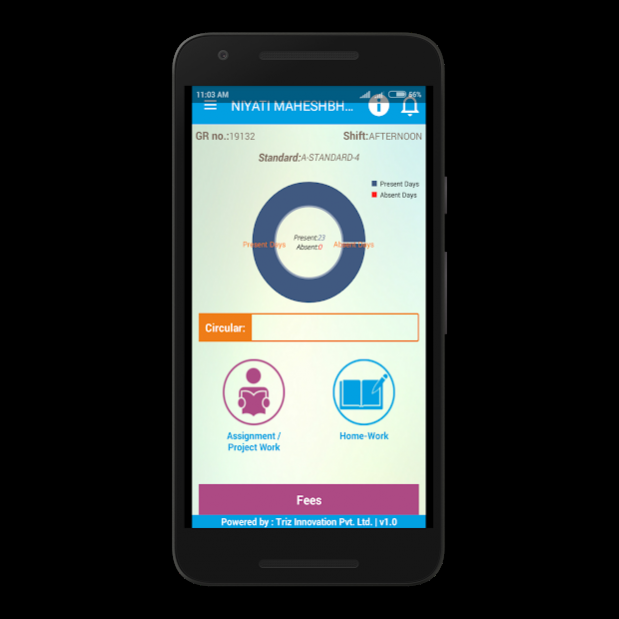
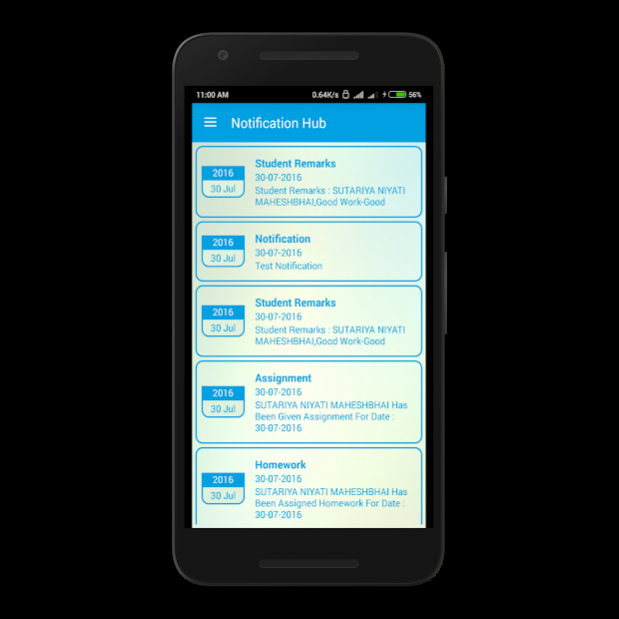
Mahendrabhai Katargamwala came forward in 1947 to impart education to the people in Varachha-Surat, the only school started in that time called Sadhana Vidyabhavan. He chairs the trust and develops it to meet the dreams of the people in educaton. More than 8000 students under his leadership and foresighted visionary strategy in pedagogy, achieved the tremendous result.
He also leads the most prestigious institutions of Surat, like The Southern Gujarat Chambers of Commerce (President 2014-15), Sadhana Vidyabhavan Trust(President), Ambika Niketen Medical Trust (President), Bhartimaiya Memorial Foundation Trust (President), Hotel Shilpis Int. Pvt. Ltd. (Chairman), Mahajan Anath Ashram (Trustee), Ambika Niketan Temple (Trustee), Shri Girnabapu Ashram Trust (Chairman).
He looks forward to establish the dreamed school on the top of the Hills of Saputara that brightens head, heart and mind of chidren and can fly on the clouds in the sky to be enlightened.
MISSION : Learning in nature through latest technology strengthening children for the future.
VISION : Bridging education with industry.
COMMITMENTS :
beyond text book
building confidence
branding individual value
brushing behaviour
broading views / thoughts
balancing personality
best communication
Sadhana Vidyabhavan,
Sadhana Society, Mini Bazar,
Varachha Road, Surat - 395006.
Phone: (02631) 237400
Mobile : +91 98249 38884 / 5
Email: info@sadhanais.com
Webiste: www.sadhanais.com
About Sadhana Vidyabhavan
The company that develops Sadhana Vidyabhavan is Triz Innovation Pvt Ltd. The latest version released by its developer is 1.2.
To install Sadhana Vidyabhavan on your Android device, just click the green Continue To App button above to start the installation process. The app is listed on our website since 2016-12-02 and was downloaded 0 times. We have already checked if the download link is safe, however for your own protection we recommend that you scan the downloaded app with your antivirus. Your antivirus may detect the Sadhana Vidyabhavan as malware as malware if the download link to com.sadhna_school is broken.
How to install Sadhana Vidyabhavan on your Android device:
- Click on the Continue To App button on our website. This will redirect you to Google Play.
- Once the Sadhana Vidyabhavan is shown in the Google Play listing of your Android device, you can start its download and installation. Tap on the Install button located below the search bar and to the right of the app icon.
- A pop-up window with the permissions required by Sadhana Vidyabhavan will be shown. Click on Accept to continue the process.
- Sadhana Vidyabhavan will be downloaded onto your device, displaying a progress. Once the download completes, the installation will start and you'll get a notification after the installation is finished.
Program Details
System requirements
Download information
Pricing
Version History
version 1.2
posted on 2016-12-02
Disclaimer
Official Google Play Link
We do not host Sadhana Vidyabhavan on our servers. We did not scan it for viruses, adware, spyware or other type of malware. This app is hosted by Google and passed their terms and conditions to be listed there. We recommend caution when installing it.
The Google Play link for Sadhana Vidyabhavan is provided to you by apps112.com without any warranties, representations or guarantees of any kind, so access it at your own risk.
If you have questions regarding this particular app contact the publisher directly. For questions about the functionalities of apps112.com contact us.
